In the garden
Most plant labels stop at the name this one keeps going
A card in the ground tells you what the plant needs, what it feeds, and whether it would work where you garden. Scan the code and the rest of it comes home with you.
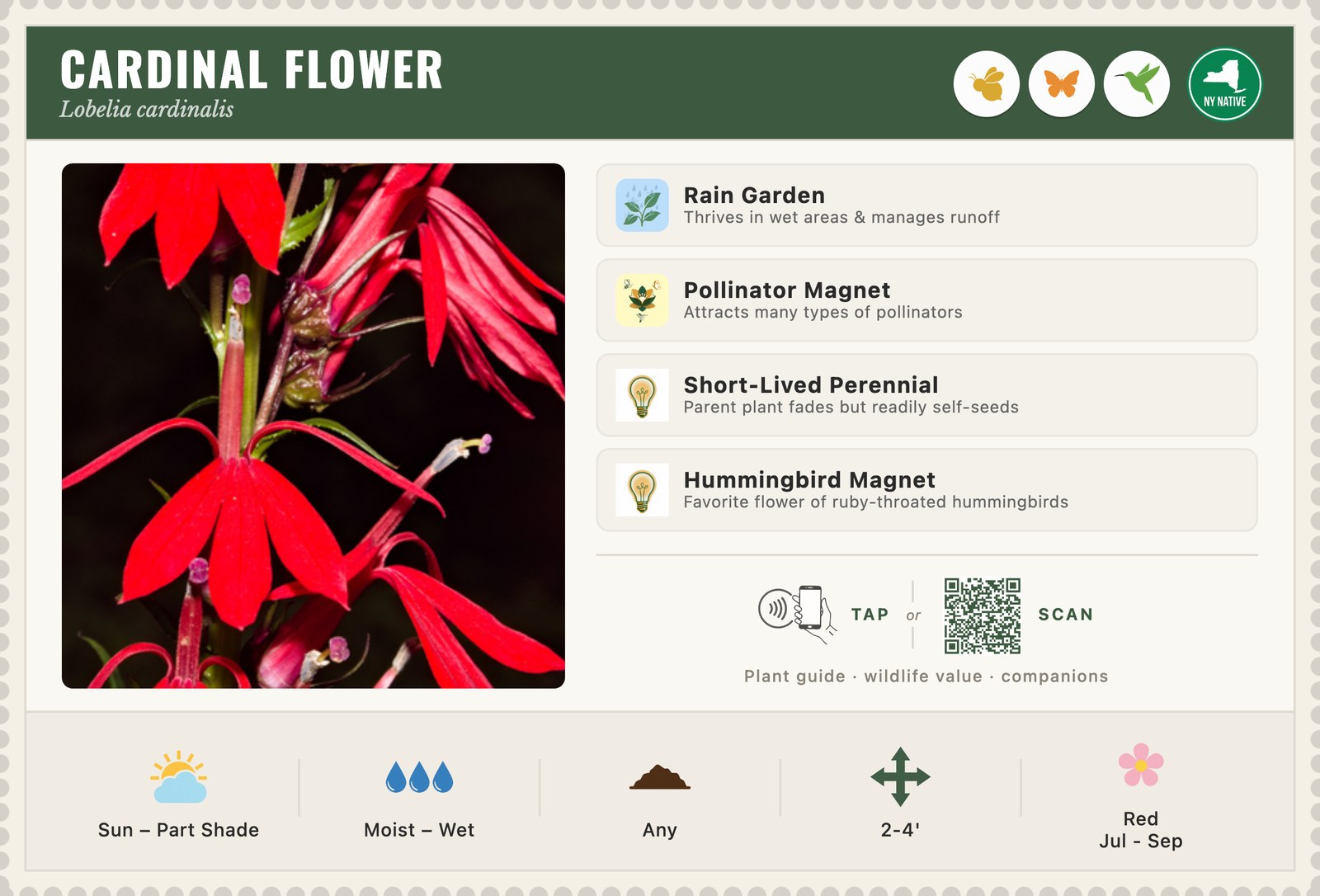
A card in the ground tells you what the plant needs, what it feeds, and whether it would work where you garden. Scan the code and the rest of it comes home with you.
The card holds what you need standing in front of the plant. The page holds what you want later — at home, deciding whether to plant it, and where.
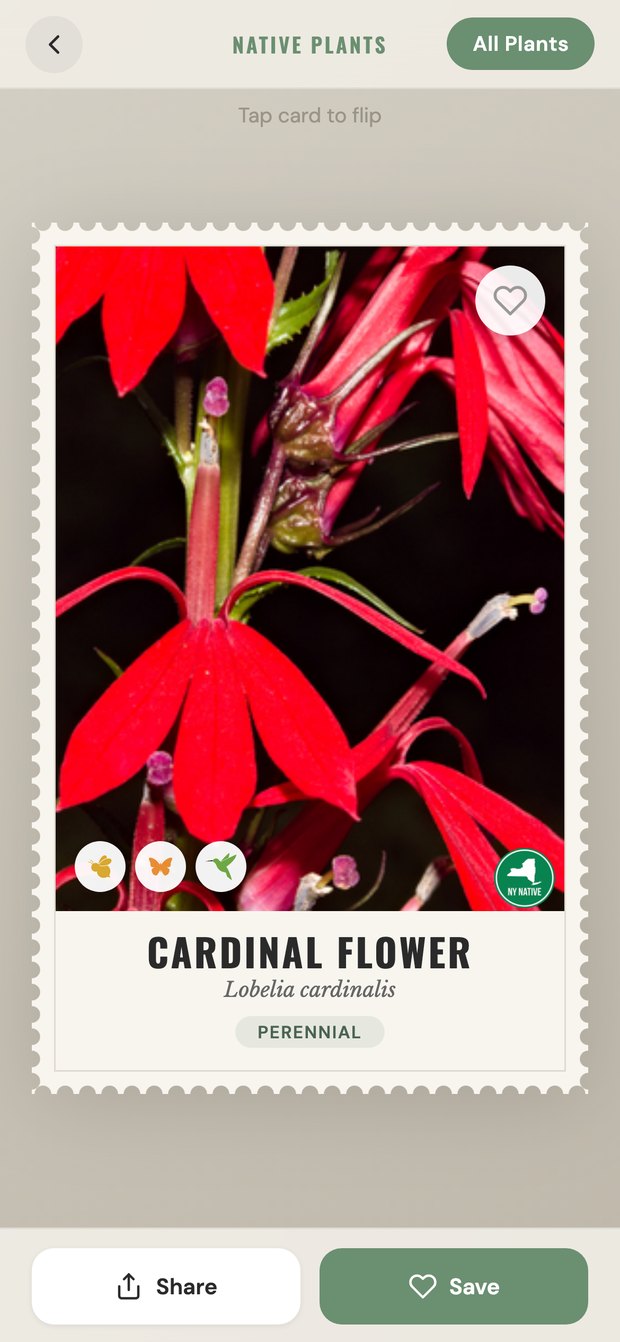
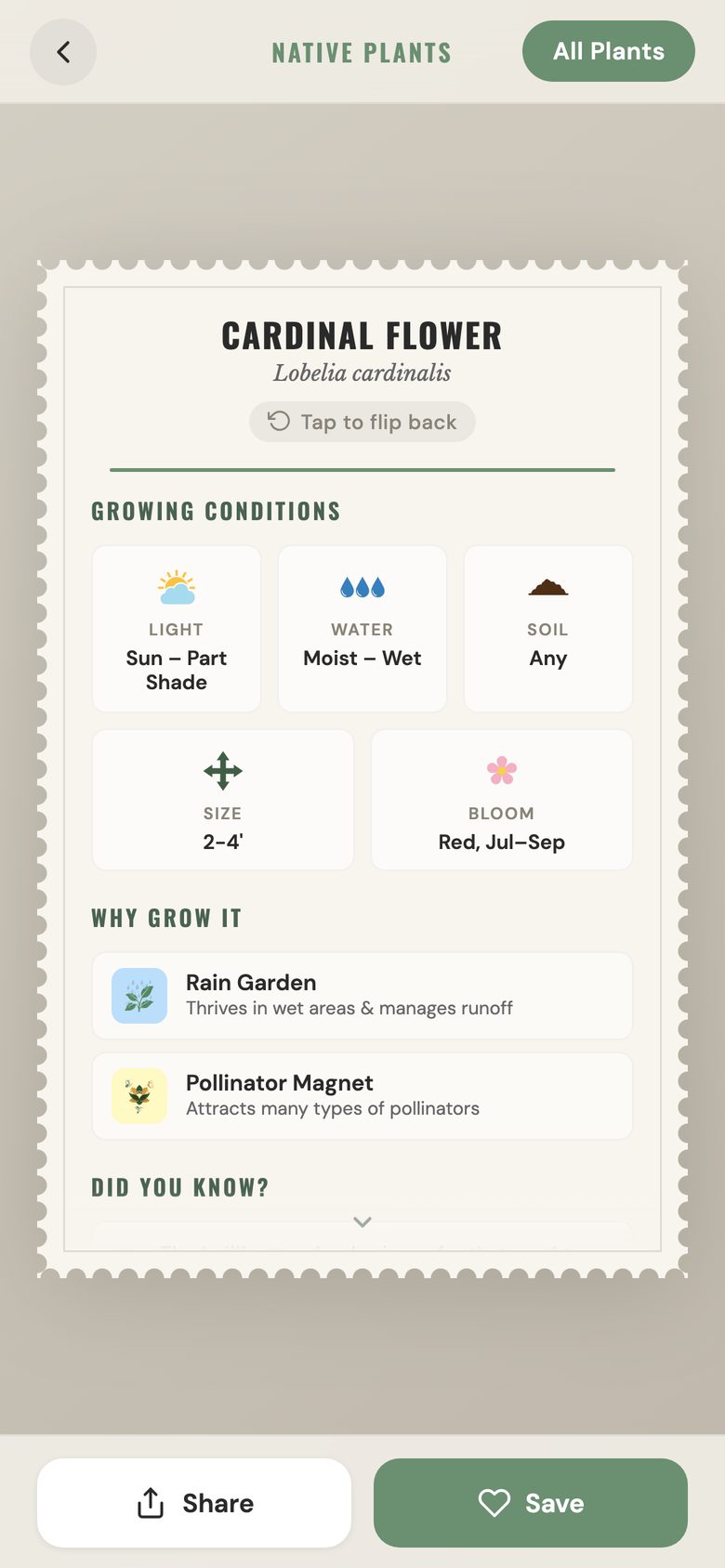
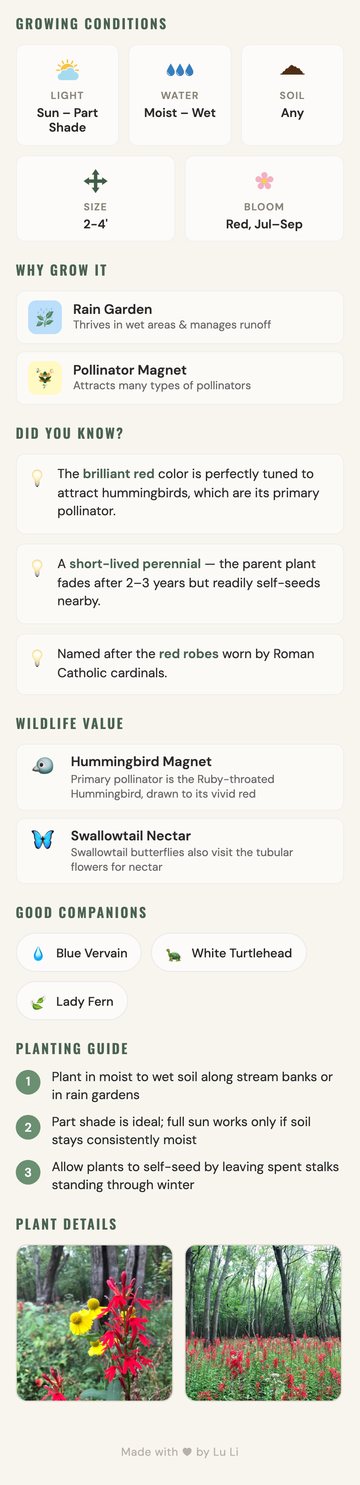
Every sign is written in the same small set of symbols, and a symbol carries the same meaning wherever it turns up — on the printed card staked in the garden and on the page in your hand. Learn it once and you can read any plant in the collection at a glance.
 Full sun
Six hours or more of direct sun
Full sun
Six hours or more of direct sun
 Sun to part shade
Direct sun for part of the day
Sun to part shade
Direct sun for part of the day
 Part to full shade
Little or no direct sun
Part to full shade
Little or no direct sun
 Dry
Gets by without watering once established
Dry
Gets by without watering once established
 Medium
Ordinary garden moisture
Medium
Ordinary garden moisture
 Moist to wet
Wants ground that stays damp
Moist to wet
Wants ground that stays damp
 Loam or any soil
Not fussy about soil
Loam or any soil
Not fussy about soil
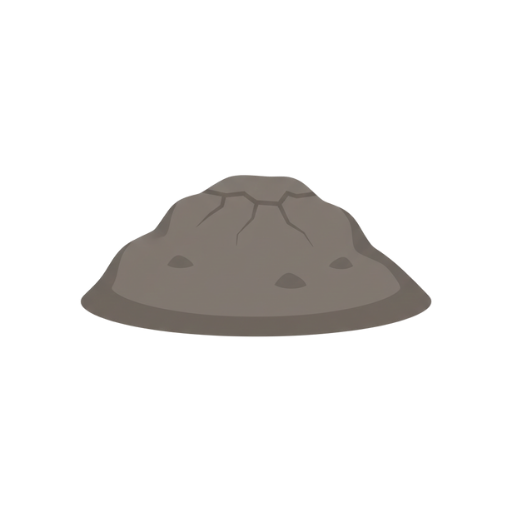 Clay
Handles heavy, slow-draining ground
Clay
Handles heavy, slow-draining ground
 Sand
Handles light, fast-draining ground
Sand
Handles light, fast-draining ground
 Mature size
How tall it gets, not how it arrives
Mature size
How tall it gets, not how it arrives
 Bloom
Flower colour and the months it opens
Bloom
Flower colour and the months it opens
 Foliage
Shown for ferns, which carry no flower
Foliage
Shown for ferns, which carry no flower
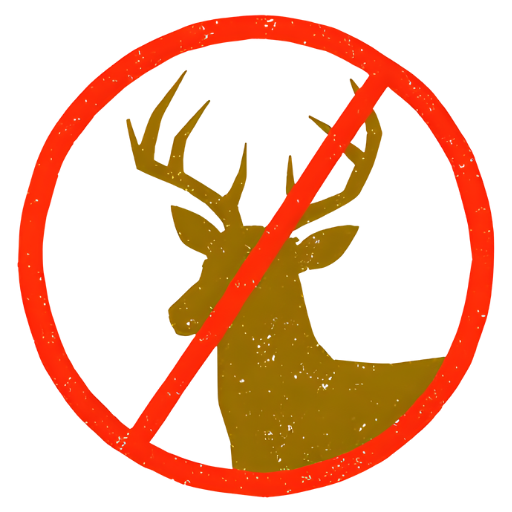 Deer Resistant
Great for gardens without fencing
Deer Resistant
Great for gardens without fencing
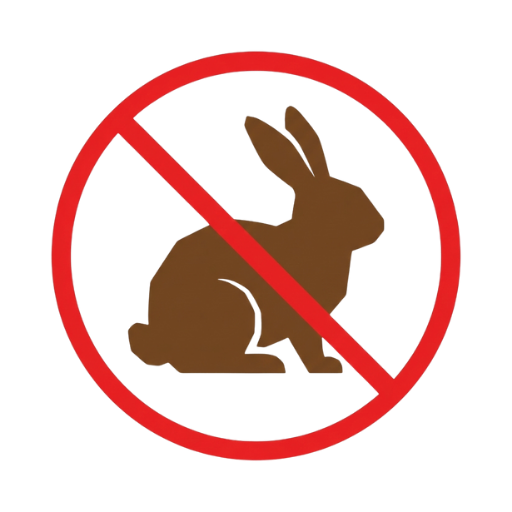 Rabbit Resistant
Won't be browsed by rabbits
Rabbit Resistant
Won't be browsed by rabbits
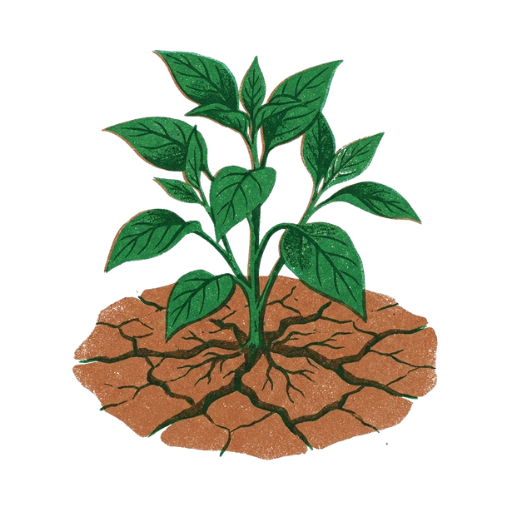 Drought Tolerant
Thrives with little water once established
Drought Tolerant
Thrives with little water once established
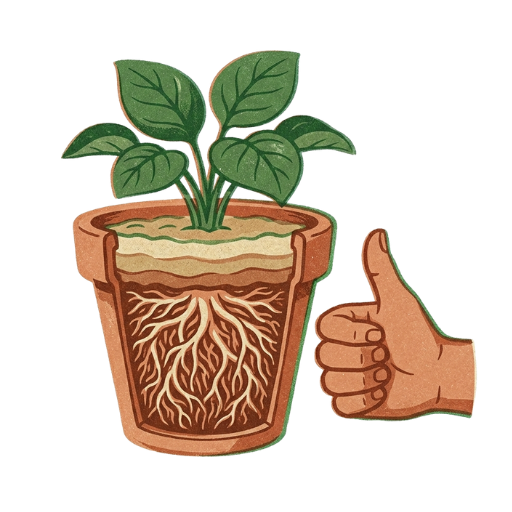 Easy to Grow
Low maintenance & beginner friendly
Easy to Grow
Low maintenance & beginner friendly
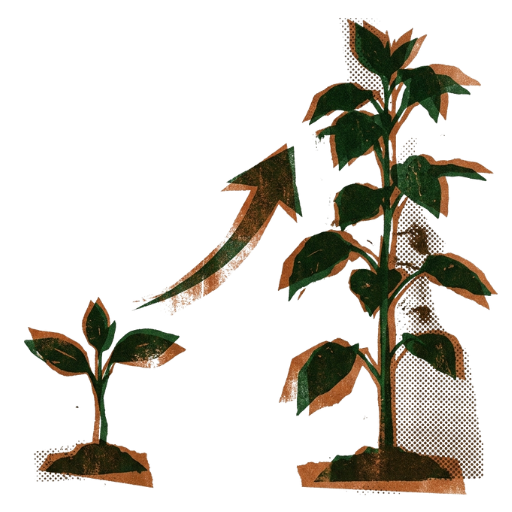 Fast Growing
Establishes and fills in quickly
Fast Growing
Establishes and fills in quickly
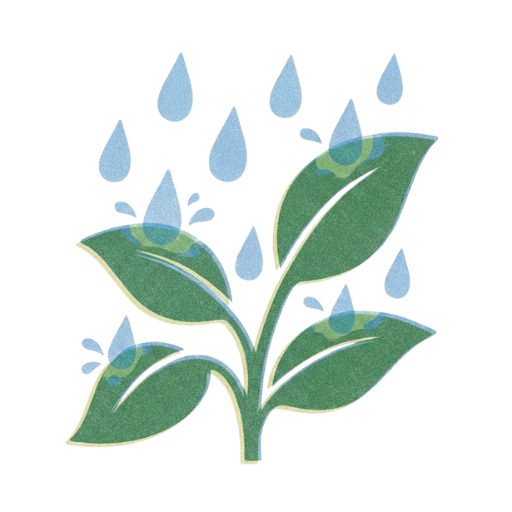 Rain Garden
Thrives in wet areas & manages runoff
Rain Garden
Thrives in wet areas & manages runoff
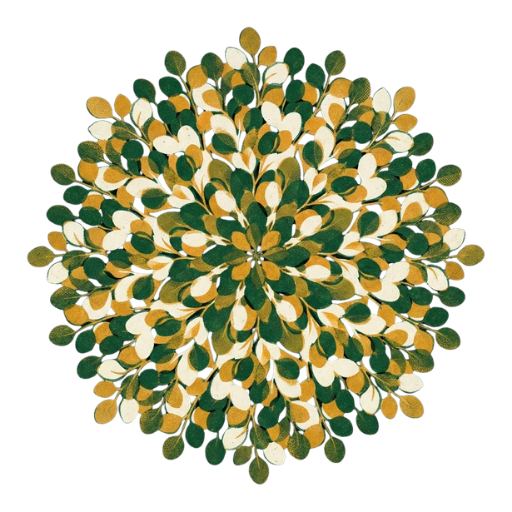 Ground Cover
Fills in to form a living carpet
Ground Cover
Fills in to form a living carpet
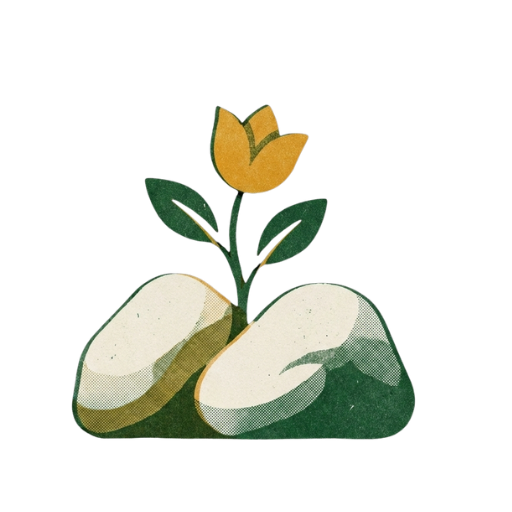 Rock Garden
Thrives in rocky, well-drained spots
Rock Garden
Thrives in rocky, well-drained spots
 Shade Tolerant
Grows well in partial to full shade
Shade Tolerant
Grows well in partial to full shade
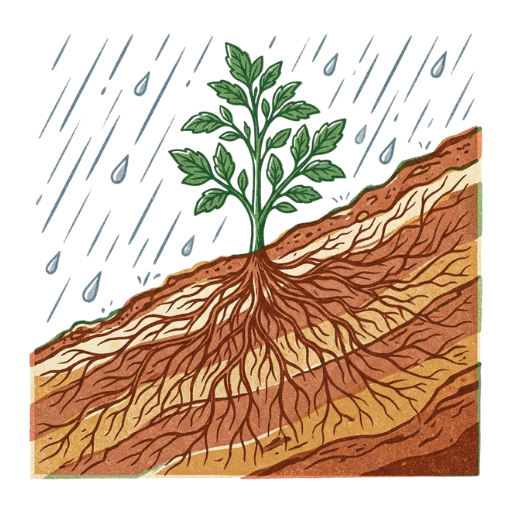 Erosion Control
Deep roots stabilize slopes & banks
Erosion Control
Deep roots stabilize slopes & banks
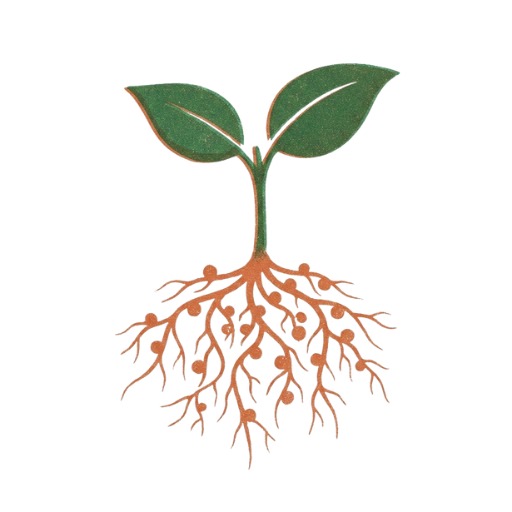 Nitrogen Fixing
Enriches your soil naturally
Nitrogen Fixing
Enriches your soil naturally
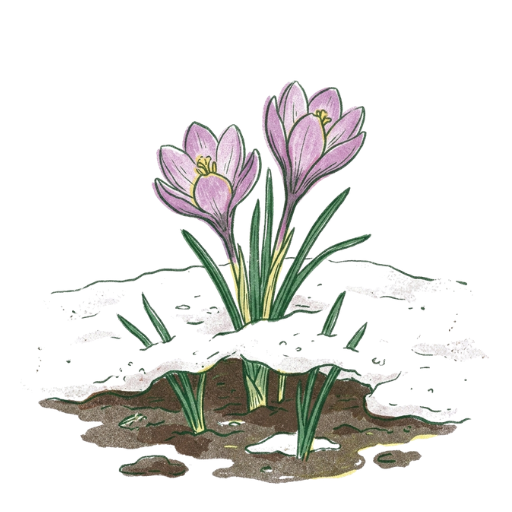 Early Bloomer
Blooms early, providing critical spring nectar
Early Bloomer
Blooms early, providing critical spring nectar
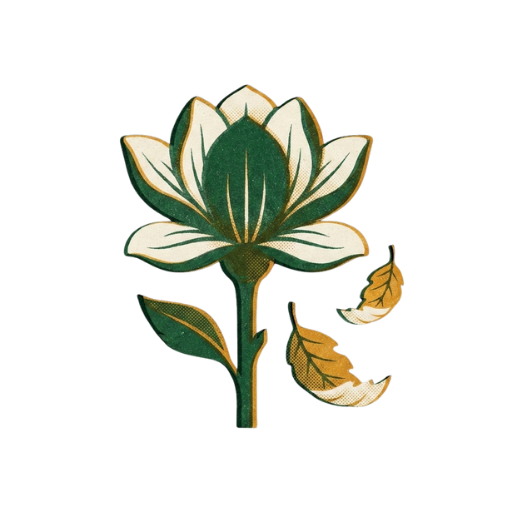 Late Bloomer
Provides nectar when others have faded
Late Bloomer
Provides nectar when others have faded
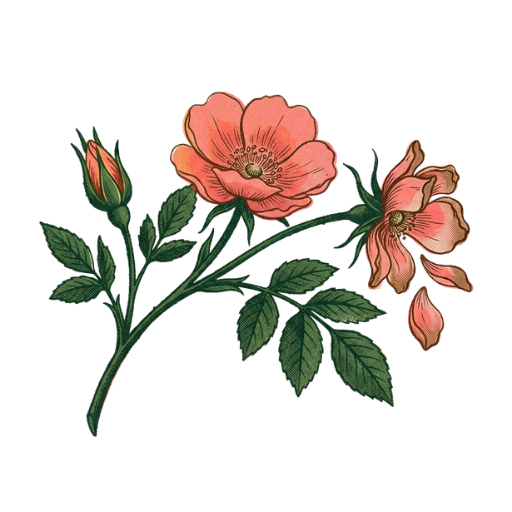 Long Blooming
Flowers for many weeks through the season
Long Blooming
Flowers for many weeks through the season
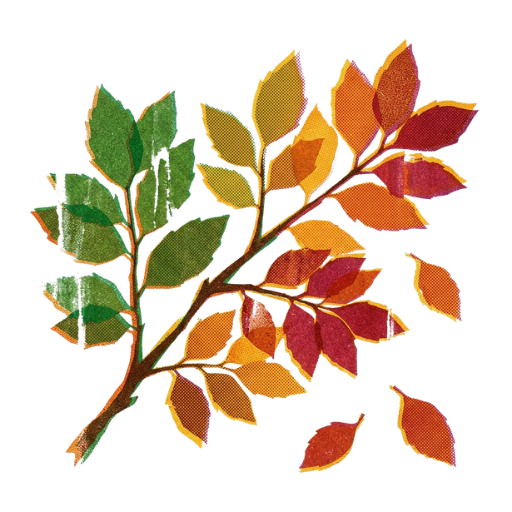 Fall Color
Showy autumn foliage adds seasonal color
Fall Color
Showy autumn foliage adds seasonal color
 Winter Interest
Beautiful structure in the cold months
Winter Interest
Beautiful structure in the cold months
 Self-Seeding
Returns each year from dropped seeds
Self-Seeding
Returns each year from dropped seeds
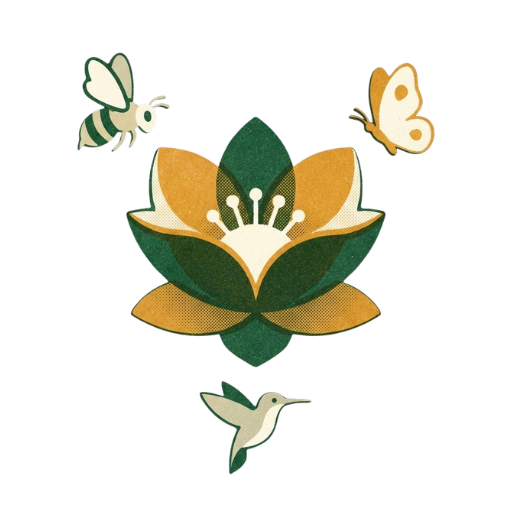 Pollinator Magnet
Attracts many types of pollinators
Pollinator Magnet
Attracts many types of pollinators
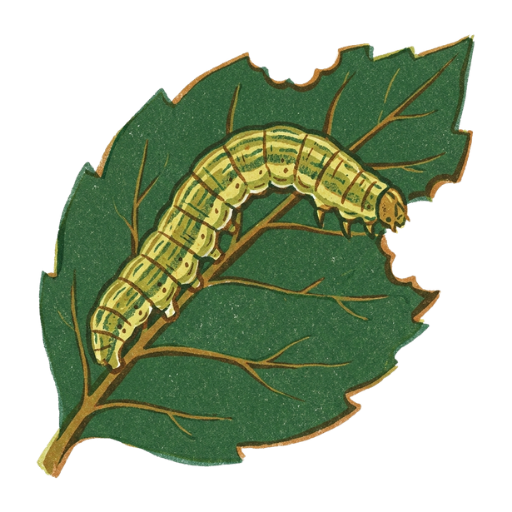 Caterpillar Host
Feeds caterpillars of native moths & butterflies
Caterpillar Host
Feeds caterpillars of native moths & butterflies
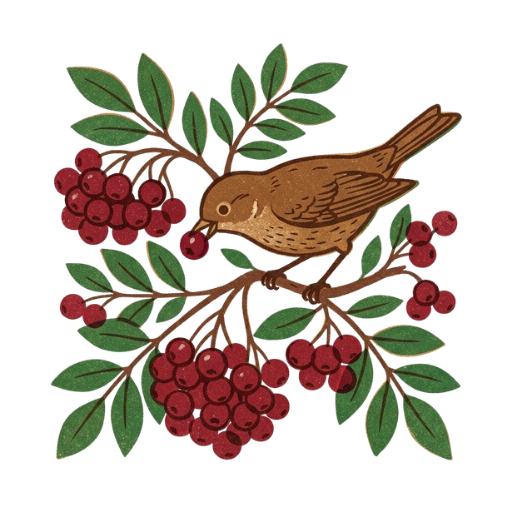 Wildlife Food
Berries & seeds feed birds and wildlife
Seed Heads for Birds
Seed heads feed songbirds through winter
Wildlife Food
Berries & seeds feed birds and wildlife
Seed Heads for Birds
Seed heads feed songbirds through winter
 Fragrant
Enjoy its lovely natural scent
Fragrant Foliage
Aromatic leaves release scent when touched
Fragrant
Enjoy its lovely natural scent
Fragrant Foliage
Aromatic leaves release scent when touched
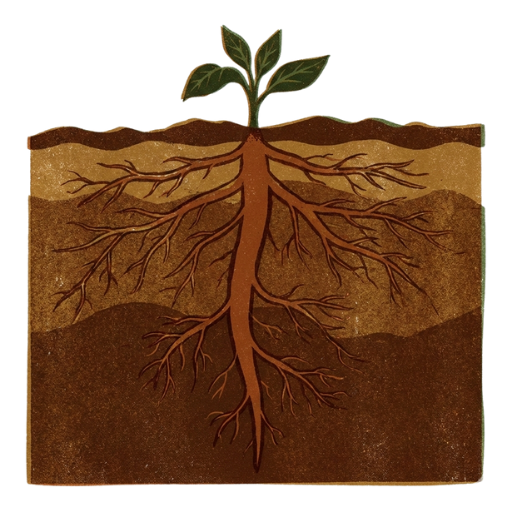 Deep Roots
Choose a spot carefully; hard to move later
Deep Roots
Choose a spot carefully; hard to move later
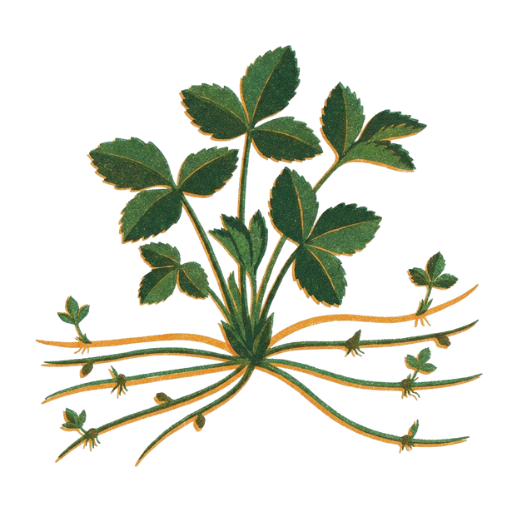 Spreads by Root
Spreads quickly; may need containment
Spreads by Root
Spreads quickly; may need containment
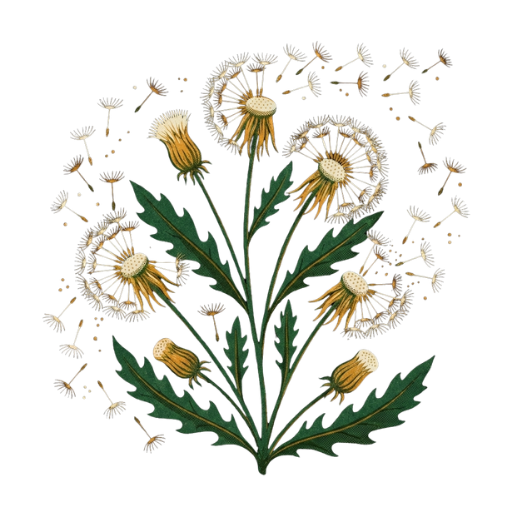 Spreads by Seed
Self-seeds freely; manage seedlings
Spreads by Seed
Self-seeds freely; manage seedlings
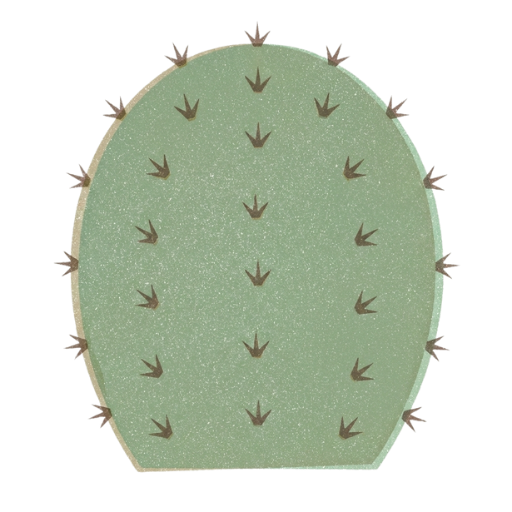 Thorns
Handle with care; has sharp thorns
Thorns
Handle with care; has sharp thorns
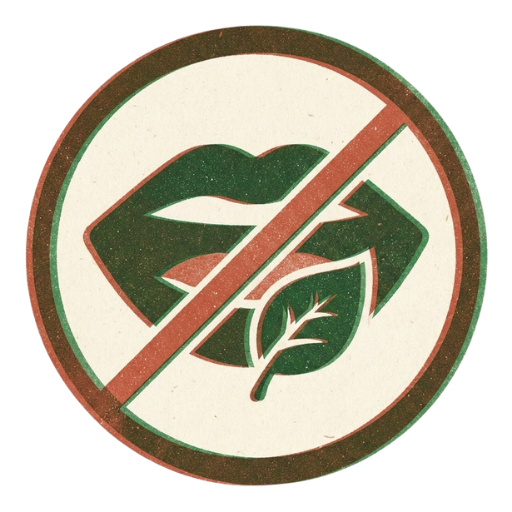 Toxic to Humans
Keep away from children
Toxic to Humans
Keep away from children
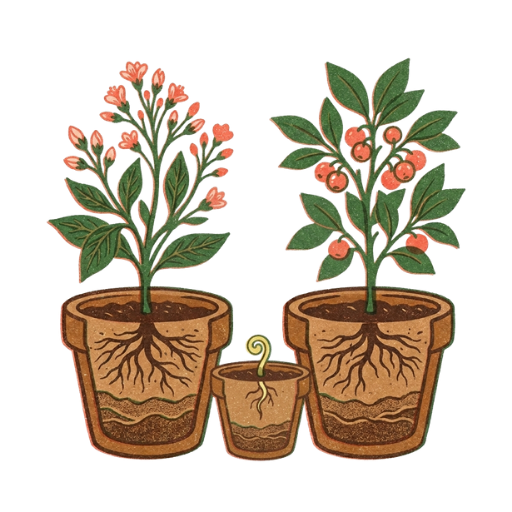 Needs Male & Female
Plant both for berries
Needs Male & Female
Plant both for berries
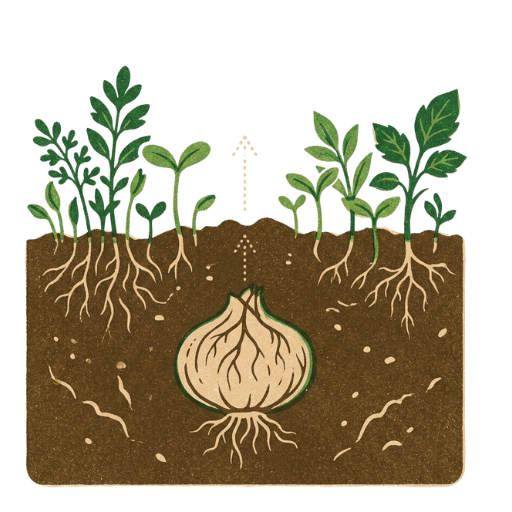 Late to Emerge
Comes up late in spring; don't dig it up
Late to Emerge
Comes up late in spring; don't dig it up
 bees
Native bees and bumblebees work the flowers
bees
Native bees and bumblebees work the flowers
 butterflies
Butterflies nectar at the blooms
butterflies
Butterflies nectar at the blooms
 hummingbirds
Hummingbirds visit the flowers
hummingbirds
Hummingbirds visit the flowers
 birds
Birds take the seed or fruit
birds
Birds take the seed or fruit
 New York
Grows wild in New York State
New York
Grows wild in New York State
 Eastern USA
Native to the eastern states, though not to New York
Eastern USA
Native to the eastern states, though not to New York
 USA
Native elsewhere in the United States
USA
Native elsewhere in the United States
 Naturalized
Long established here, but originally from elsewhere
Naturalized
Long established here, but originally from elsewhere
Search the full collection by common or scientific name — or begin from the corner of the garden that is giving you trouble.
Browse all plantsCards and pages are generated from one plant dataset, so a group with its own species list can produce its own set. If yours is thinking about something like this — or you have spotted something wrong on a plant page — send a message.
It helps to say roughly how many species you have in mind and when you would need them.
Message on FacebookDevelopers: the project is on GitHub.